← All plugins / Desktop validated
PX-7
Percussion instrument engine. Engine only; samples not included.
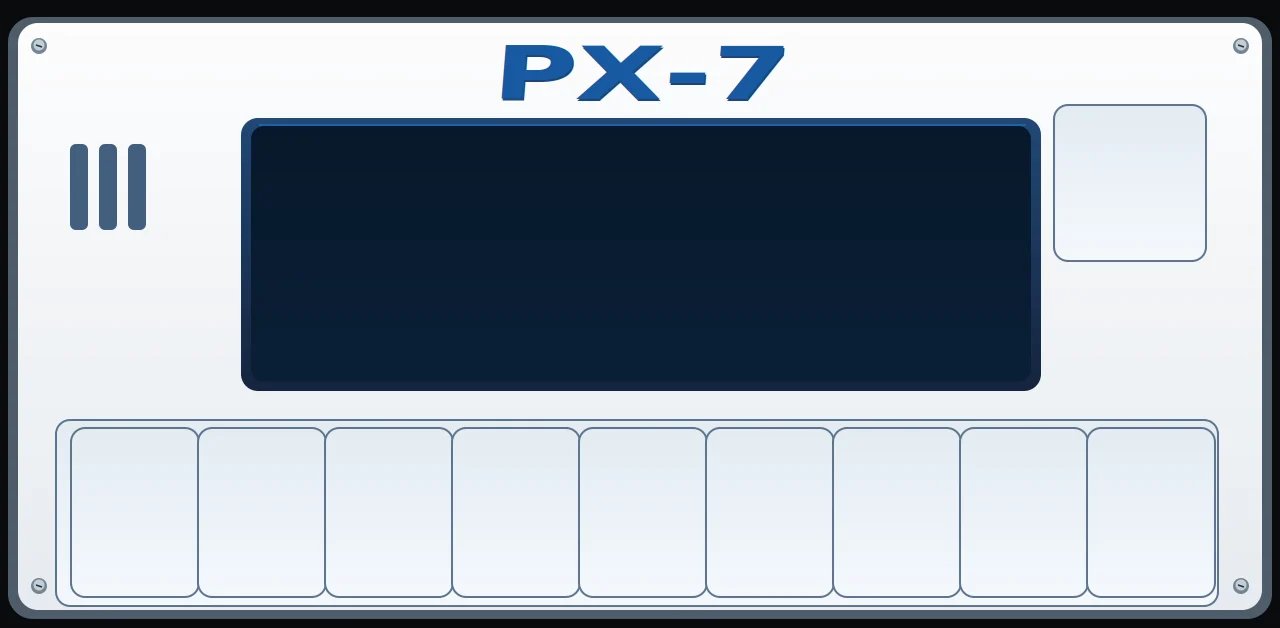
Plugin artwork
Release status
- Development status
- Desktop validated
- Latest build located
- 1.1.2
- Hardware & firmware
- MPC Key 37 Gen 2 with MPC OS 3.10.1 is the development target. Hardware testing for this build is pending.
Validation & known issues
Native host simulation passed at three block sizes. Live playback and controls still need an MPC test.
Changelog
1.1.2 · Updated modulation controls and MIDI wheel handling.
Installation & downloads
Download and extract the MPC ZIP below, then copy the plugin folder into VST2 Plugins on your MPC drive, enable External Plugin Support, and install your own sample library using the package guide. The separate engine source ZIP excludes samples.
Package size and SHA-256 pending.
Sample Library Not Included
Use Google Search or AI assistance to identify legitimate sources of compatible sample libraries and verify that the license permits your intended use.
The candidate contains SFZ mappings referring to WAV files under Content/PX-7/. Prepare your own matching library after reviewing the released installation guide for your build. Sample playback validation is pending.
AI sample setup prompt
Help me prepare my legally obtained samples for PX-7. Inspect my compiled plugin package and its documentation, and list the contents of my sample ZIP before extracting it. Use only my files and keep the originals intact. Do not request proprietary source, bypass licensing or encryption, or retrieve sample libraries.

Use the documentation for my package version to confirm the sample directory, supported formats, and SFZ opcodes. The audited candidate used Content/PX-7/ with SFZ mappings and WAV files. Confirm that layout before using it. Determine the preset and bank layout. Derive root notes from documented filenames or reliable metadata, verify ambiguous tuning, and correct only verified octave errors. Generate MIDI key ranges and supported velocity layers. Preserve stereo files or pairs and supported loop points. Flag unsupported formats, missing and duplicate samples, and mapping issues.

Generate only supported preset and bank configurations. Validate all relative paths and verify playback across key ranges, velocities, and loops in the host if available. Report any tests you could not run. Create a personal installation ZIP containing only my authorized files and the supported mappings.
MIDI mapping
The plugin handles notes and velocity, pitch bend, CC1 modulation and CC121 wheel reset. The MPC host routes MIDI channels. Use the on-screen controls and Q-Links for parameters such as envelopes and effects. The plugin does not assign CC7, CC10, CC11, CC64, aftertouch or program changes.
Experimental software notice
Back up your projects and device before installation. Software may cause crashes or compatibility issues. HUNDEAUX is independent and not affiliated with Akai Professional, inMusic or E-MU. Third-party trademarks belong to their owners. Use valid licenses for all third-party software and samples.